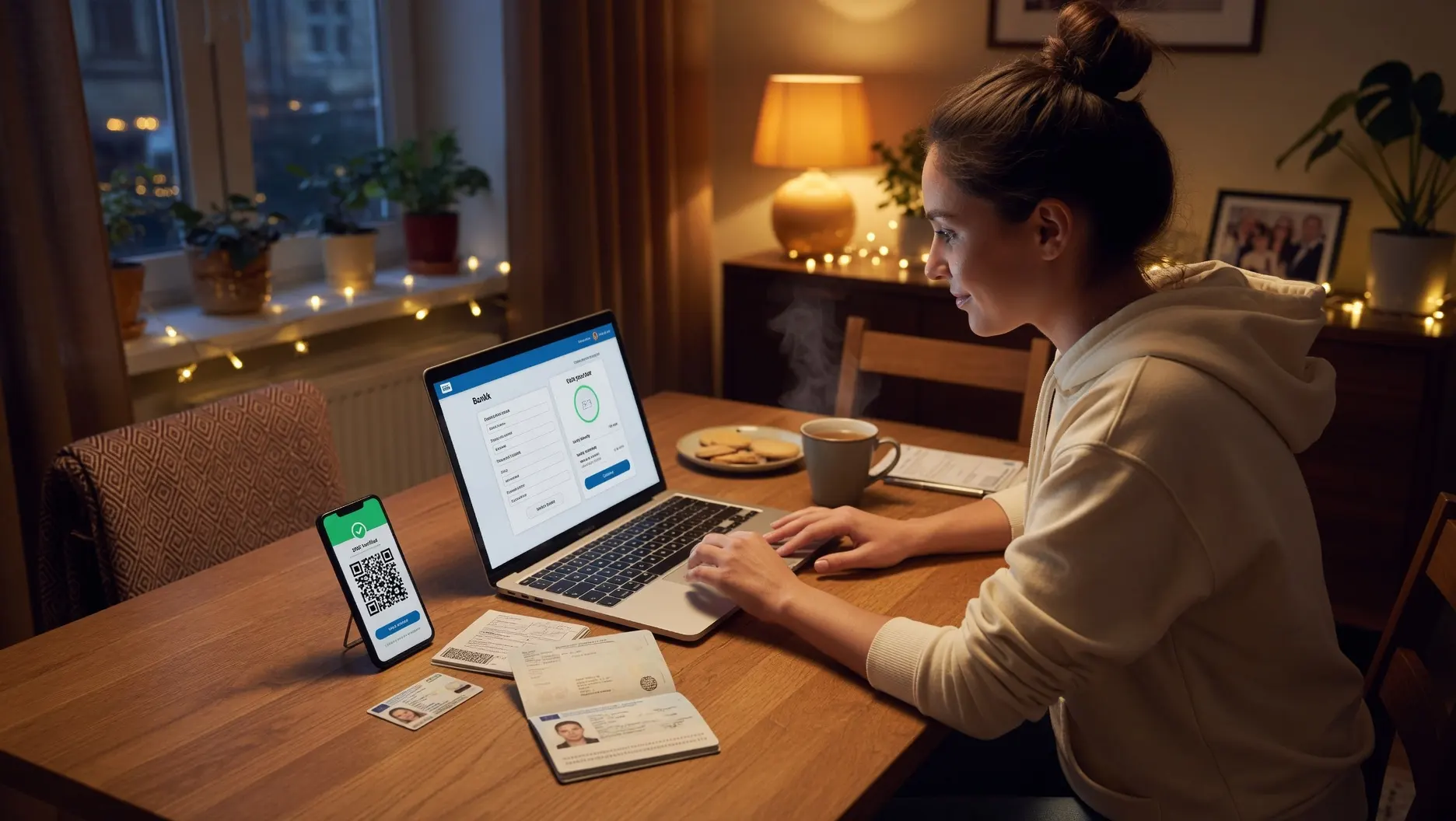
To open a bank account online: (1) choose a bank and account type — compare fees, APY, and minimums; (2) gather your documents — government photo ID, Social Security number, proof of address, date of birth; (3) complete the online application on the bank's website; (4) verify your identity — usually instant; (5) fund the account with an initial deposit if required. With documents ready, the application takes just minutes. Allow 1–2 weeks for your debit card to arrive by mail.
What You Need to Open a Bank Account Online
Before you start the application, gather these items. Having them ready is the difference between a five-minute process and a frustrating stop-and-start experience. Every bank requires essentially the same information to comply with federal identity verification laws.
Documents checklist
If you'll have a joint account owner, you'll need the same information for them. For a child's account, you'll usually need the child's birth certificate and/or SSN in addition to your own documents.
How to Open a Bank Account Online — The 5 Steps
Choose the right bank and account type
Start by deciding what kind of account you need. A checking account is for daily transactions — spending, bill payments, debit card use. A savings account (ideally a high-yield one) is for money you want to grow. Many people open both.
Then compare banks on the factors that matter: monthly maintenance fees (avoid them — many banks charge nothing), APY on savings (online banks pay 4–5% vs. 0.38% national average at traditional banks), minimum opening deposit and minimum balance requirements, ATM network and fee reimbursement, and mobile app quality.
Online banks like SoFi — named the #1 Bank in the U.S. for the fourth year in a row by Forbes in 2026, with up to 3.30% APY — Ally, Capital One 360, and Discover consistently offer the best combination of no fees and high yields. Traditional banks like Chase or Bank of America offer physical branches but typically lower interest and more fees. See our guides to the best high-yield savings accounts and best free checking accounts of 2026.
Gather your documents
Pull together everything from the checklist above before you start. The single biggest cause of a frustrating application is starting it and then having to stop to find your Social Security number or a utility bill. With your photo ID, SSN, proof of address, and funding source ready, the rest of the process flows quickly.
If you're applying from your phone, having your ID nearby is especially useful — many banks let you photograph your ID directly through the app for instant verification.
Complete the online application
Go directly to the bank's official website — type the URL yourself rather than clicking a link in an email, to avoid phishing sites. Find the account you want and click "Open Account" or "Apply Now."
You'll enter your personal information: full legal name, date of birth, Social Security number, residential address, email, and phone number. You'll review and accept the account terms and disclosures. Some banks ask you to photograph or upload your ID at this stage. The application form itself typically takes 5–10 minutes to complete.
Verify your identity
The bank verifies your identity using your SSN and the information you provided, often cross-referencing public records and asking knowledge-based questions (like a previous address or a former car you owned). For most applicants, this verification is instant and you're approved on the spot.
If the bank can't automatically verify you — common if you have a thin credit file, recently moved, or have had past banking issues — they may request additional documents by email or fax, or ask you to visit a branch (for banks that have them). International students and recent immigrants often need to complete verification in person.
Fund your new account
Once approved, fund the account if there's a minimum opening deposit. You can do this several ways: link an existing bank account using its routing and account numbers (an ACH transfer, usually free), transfer from a debit card, set up direct deposit from your employer, or mail a check.
Many online accounts have no minimum opening deposit, so you can fund the account whenever you're ready. After funding, your debit card and any checks typically arrive by mail within 1–2 weeks. Most banks let you use the account number immediately for direct deposit and online bill pay while you wait for the physical card.

Checking vs. Savings — Which Account to Open
| Feature | Checking account | Savings account |
|---|---|---|
| Purpose | Daily spending, bills, debit card | Growing money you don't need now |
| Typical APY | 0–0.50% (some pay more) | 4–5% at online banks |
| Debit card | Yes | No (transfers only) |
| Withdrawal limits | Unlimited | Often 6/month (varies) |
| Best for | Everyday money flow | Emergency fund, savings goals |
Most people benefit from having both: a free checking account for daily spending and a high-yield savings account where the emergency fund and savings goals grow at 4–5%. Keeping them at the same online bank makes transfers between them instant.
Can You Open a Bank Account Online Without an SSN?
Yes, in many cases. Non-citizens without a Social Security number can often open an account using an Individual Taxpayer Identification Number (ITIN). Some banks also accept a foreign passport plus proof of a US address. Acceptable forms of ID for banks include a driver's license, military ID, state ID, passport, or ITIN documentation.
Requirements vary by bank, and international students or recent immigrants often need to complete the process in person at a branch rather than fully online. Chase, Bank of America, and several other major banks have specific account options for people without an SSN. If you're in this situation, call the bank ahead of time to confirm exactly which documents they'll accept.
Minors and teens: If you're under 18 (or 19 in some states), you generally can't open an account independently. You'll need a parent or guardian as a co-signer or joint account holder. Many banks offer student or teen checking accounts designed for this — the parent opens it jointly and the teen gets their own debit card and app access.
Is It Safe to Open a Bank Account Online?
Yes — as long as you follow two rules. First, confirm the bank is FDIC insured (or NCUA insured for credit unions). This federal insurance protects your deposits up to $250,000 per depositor, per bank, if the institution fails. Look for the FDIC logo and verify the bank's certification at FDIC.gov if you're unsure. Online-only banks are just as protected as traditional banks when FDIC insured.
Second, protect your information during the application. Type the bank's URL directly into your browser rather than clicking links in emails — phishing sites that impersonate real banks are the main risk. Use a secure, private internet connection rather than public Wi-Fi when entering your SSN and personal details. Legitimate banks encrypt your data, but you control how you reach their site.
Watch for these red flags: A "bank" with no FDIC insurance, a website without HTTPS (no padlock in the address bar), requests to pay a fee to open a basic account, or any site you reached by clicking an email or text link. When in doubt, close the browser and navigate to the bank's website by typing its name into a search engine and using the official result.
After You Open Your Account
Once your account is open and funded, take these steps to get the most from it: set up direct deposit so your paycheck lands automatically (some accounts require this to waive fees or earn the highest APY), download the bank's mobile app and enable account alerts for low balances and large transactions, set up automatic transfers to your savings account on payday to make saving effortless, and order checks only if you need them — most people rarely do anymore.
If you opened a new account to replace an old one, don't forget to move over any automatic payments and direct deposits before closing the old account, and leave a small buffer in the old account for 1–2 months to catch any forgotten recurring charges.
Frequently Asked Questions
What do I need to open a bank account online?
You need a government-issued photo ID (driver's license, passport, or state ID), your Social Security number (or ITIN for non-citizens), proof of your residential address (utility bill or lease), and your date of birth. You must typically be at least 18 (19 in some states). Some accounts require an initial deposit, though many online banks have no minimum. With these ready, the application takes just minutes.
How long does it take to open a bank account online?
With documents ready, the application takes just minutes. Many banks approve instantly through automated identity verification. However, it can take 1–2 weeks for the bank to fully process and mail your debit card. If the bank can't verify your identity automatically, they may request additional documents or a branch visit, which extends the timeline.
Can I open a bank account online with no deposit?
Yes. Many online banks offer accounts with no minimum opening deposit and no minimum balance — including SoFi, Ally, Capital One 360, and Discover. You can open the account first and fund it later through a transfer or direct deposit. You'll need to add money before using the account for purchases or bill payments.
Can I open a bank account online without an SSN?
Yes, in many cases. Non-citizens can often use an Individual Taxpayer Identification Number (ITIN) instead. Some banks accept a foreign passport plus proof of US address. Requirements vary — international students and recent immigrants may need to visit a branch in person. Chase, Bank of America, and others have specific options for people without an SSN.
Is it safe to open a bank account online?
Yes, as long as the bank is FDIC insured (or NCUA for credit unions) and you use the bank's official website. Verify FDIC certification at FDIC.gov. Use a secure connection — not public Wi-Fi — when entering personal information. The main risk is phishing sites impersonating real banks, so always type the bank's URL directly rather than clicking email links.
Sources & References
- NerdWallet — How to Open a Bank Account Online in 4 Steps (documents and process, 2026)
- SoFi — What You Need to Open a Bank Account (January 2026; #1 Bank in U.S. by Forbes 2026, up to 3.30% APY)
- PNC — What Do You Need to Open a Bank Account (ID, SSN, proof of address, age 18/19 requirements)
- Citi — What Do You Need to Open a Bank Account (November 2025)
- California & North Island Credit Union — Complete Guide to Opening a Bank Account (updated March 2026)
- FDIC — FDIC deposit insurance: $250,000 per depositor, per bank